
It is Monday, 9:40 a.m. A mid sized distributor received four thousand supplier invoices over the weekend. Its software bots cleared the first three thousand flawlessly. Then its biggest supplier changed the invoice layout. The total moved a few centimetres. The bots stopped.
Payments slip. A supplier hints the next shipment may wait. The bots did exactly what they were told, and that was the problem.
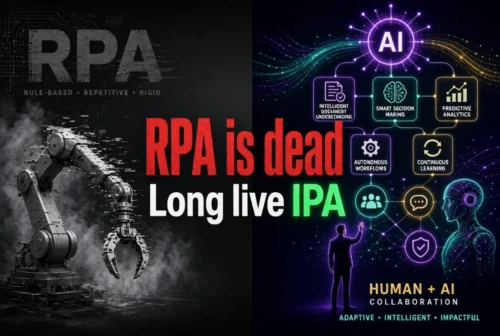
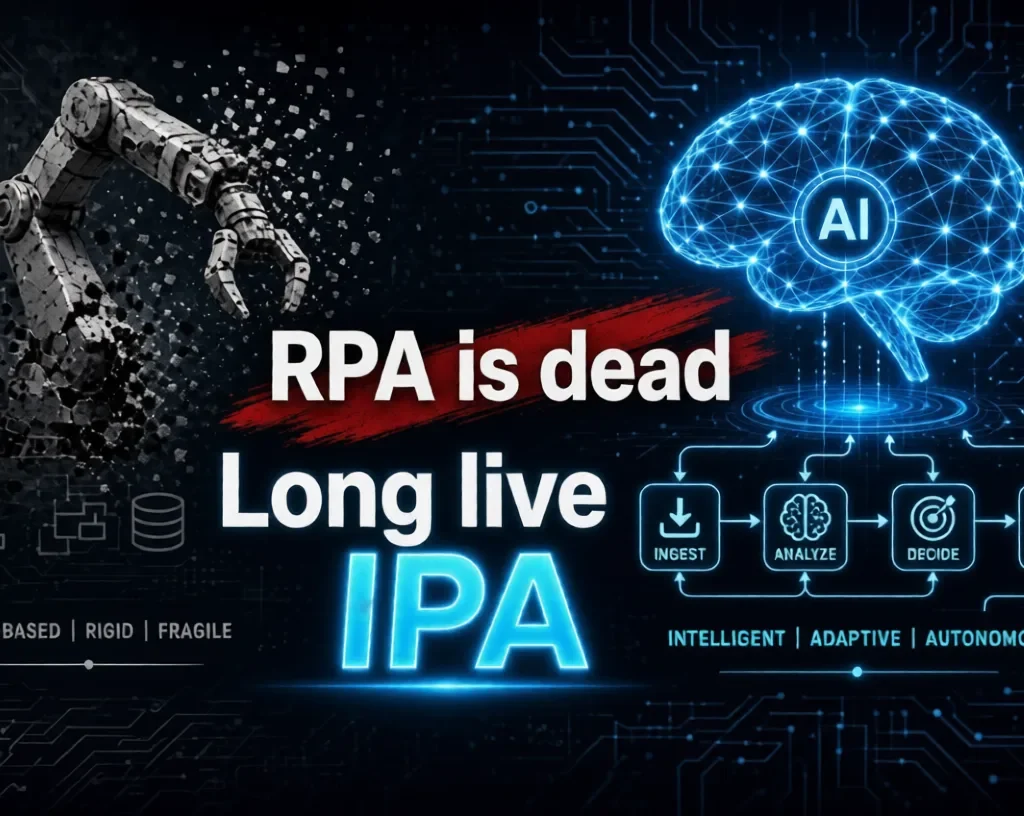
This is why people now say “RPA is dead, long live IPA.” The question underneath is simple: what happens when software robots can follow instructions but cannot understand a changing situation?
The honest answer: RPA is not dead. Automation is growing beyond it.
Table of Contents
What does “RPA is dead, long live IPA” mean?
The phrase borrows from an old royal saying: the throne is never empty. In automation, the throne is the business process.
Robotic Process Automation (RPA) uses software bots to copy what a clerk does on a screen. It reads a field, pastes a value and checks a fixed rule. It is fast, tireless and literal.
Intelligent Process Automation (IPA) adds artificial intelligence to that base. It can read messy documents, interpret context, flag odd cases and ask a human when unsure. Here IPA means Intelligent Process Automation, not an intelligent personal assistant.
Agentic automation goes further. AI agents plan multi step tasks toward a goal, with more freedom and more risk.
RPA was never a failure
Telefónica O2, the UK mobile operator, is one of the best documented RPA cases. A 2015 London School of Economics research paper reported over 160 bots handling 400,000 to 500,000 transactions a month. Summaries of the study cite a three year return on investment of 650 to 800 percent.
These are reported results from one company, a decade old, with no modern AI. They show why businesses adopted RPA: it suits stable, high volume, rules based work. Bots thrive where the world stands still. When formats and requests keep changing, the rules run out.
RPA versus IPA
| Comparison area | Traditional RPA | Intelligent Process Automation |
|---|---|---|
| Working method | Fixed rules | AI assisted workflows |
| Data handling | Mainly structured data | Structured and unstructured data |
| Decision making | Predefined conditions | Context based interpretation |
| Exception handling | Needs predefined rules or a human | Can classify and help resolve varied exceptions |
| Learning | Usually none on its own | Can use AI and machine learning |
| Human involvement | Depends on design | Important for oversight and sensitive calls |
| Complexity | Best for predictable tasks | Can support complex processes |
| Cost | Licences, development, maintenance | Adds AI and usage costs |
This is a general comparison, not a rule for every product. Many RPA platforms now include AI features.
RPA still has a seat because it is deterministic. Once a decision is made, you want the same logged action every time. A model that is usually right is a poor choice for posting a payment. AI becomes the eyes and judgment. RPA stays the reliable hands.
How an intelligent workflow works
Several building blocks work as a team. AI and machine learning spot patterns. Natural language processing reads emails. Optical character recognition turns scans into text, and intelligent document processing finds the invoice total. APIs connect systems cleanly. Business process management maps the steps. Agents coordinate. RPA handles screens with no API. Humans supervise under clear governance.
Follow one invoice. It arrives as a PDF. The workflow reads it, compares it with the purchase order, and notices a price far above normal. An accountant reviews that case. After approval, an API or RPA bot posts the payment.
No step is perfectly accurate. AI can misread a figure or sound confident while wrong. That is why checkpoints matter.
A company at a crossroads
Take a medium sized firm, invented for illustration. No savings are claimed.
Scenario A: Traditional RPA. The bot reads fixed fields, copies them into the accounting system and checks set conditions. If the layout changes or a field is missing, it stops and a clerk steps in.
Scenario B: IPA. The workflow reads the document, extracts the data, checks business rules, flags unusual transactions and routes uncertain cases to staff. A bot or API finishes the predictable last steps.
Humans still judge new suppliers, disputes and possible fraud. Errors are caught through confidence scores, record matching, sample checks and audit logs. The potential benefit is fewer stoppages. The risks are wrong extractions, privacy leaks, usage fees and overtrust.
What the evidence says
Each figure below has limits.
Gartner, 25 June 2025. It predicted that over 40 percent of agentic AI projects will be cancelled by the end of 2027, citing cost, unclear value or weak risk controls. It also warned of “agent washing,” where vendors rebrand RPA or chatbots. This is a forecast, not a measurement. Lesson: ask vendors for proof.
McKinsey, State of AI 2025, November 2025. In a survey of 1,993 people across 105 countries, 62 percent said their organisations were at least experimenting with AI agents. 23 percent were scaling them somewhere, and in no single function did more than 10 percent. The data is self reported and broader than process automation. Lesson: interest runs ahead of deployment.
Info-Tech Research Group, June 2026. TechTarget’s coverage of its 2027 trends describes agentic AI as a leading trend. That is a view on direction, not proof of results.
A growing market does not prove that every business needs IPA.
A five stage framework: from RPA to IPA
- Identify. List repetitive tasks, bottlenecks and common exceptions.
- Evaluate. Check data quality, process stability, complexity, risk and integrations.
- Select. RPA for predictable steps, AI and document processing for unstructured data, APIs for reliable connections, IPA for coordinated workflows, humans for sensitive decisions.
- Pilot. Test one workflow before expanding.
- Monitor. Track accuracy, speed, exception rates, costs, security incidents and user satisfaction.
Small business checklist:
- Is the task repeated weekly?
- Does it fail because documents or requests vary?
- Do we have clean sample data?
- Who approves uncertain cases?
- What is the monthly cost cap?
- Can we switch back to manual work?
Where IPA is used
Banking. Onboarding involves ID scans and forms. IPA can read documents, match details and flag suspicious patterns. Compliance officers make the final call, and identity and data rules apply.
Healthcare administration. Claims, referral letters and appointment requests arrive in many formats. IPA can sort and extract details, while trained staff review anything affecting care or payment. Patient privacy law must be followed.
Small businesses. Invoices and support emails suit a light setup. A tool can sort emails and draft replies, while the owner handles complaints and refunds.
Advantages and limitations
The potential gains: faster processing, less repetitive work, better handling of documents, steadier operations and more time for meaningful tasks.
The limits are real: complex setup, inaccurate output, privacy risks, integration trouble, unpredictable usage costs, training needs and vendor dependence. Automation does not automatically raise productivity or cut costs. Someone must own every automated decision. And do not replace a working RPA system just because a new AI product exists.
Six common misconceptions
- RPA is useless now. It remains excellent for stable tasks.
- AI agents can replace every bot. Many tasks need exact, repeatable execution.
- IPA means no employees. People shift toward review and judgment.
- Intelligent automation is always cheaper. Usage fees add up.
- More autonomy means more accuracy. It often means more supervision.
- Every repetitive task needs AI. Simple rules often work better.
Your next 30 days
- Week 1: List current bots and manual processes. Note what breaks.
- Week 2: Pick one workflow with varied documents. Set accuracy and cost targets.
- Week 3: Run a small pilot with human review of uncertain cases.
- Week 4: Compare results with targets. Expand, adjust or stop. Plan staff training.
Small firms can manage this with a spreadsheet and one tool. Large organisations should add security, legal and audit review.
Frequently asked questions
1. What does “RPA is dead, long live IPA” mean? Automation is moving from fixed scripts to intelligent workflows. The goal continues, but the method changes.
2. What is the difference between RPA and IPA? RPA follows fixed rules on structured data. IPA adds AI to handle documents, context and exceptions.
3. Is RPA becoming obsolete? No. It remains useful for predictable tasks and often serves as the execution layer inside IPA.
4. How do AI agents improve process automation? They plan steps, use tools and handle variation, but still need limits, logging and human oversight.
5. Is IPA suitable for small businesses? Yes, if the task is repetitive, costs are capped and a person reviews uncertain results.
6. Will IPA replace human employees? Evidence points to changing roles more than replacement. McKinsey’s 2025 respondents were split on future headcount.
7. How can a company move from RPA to IPA? Keep working bots, find processes limited by variation, pilot one, measure and expand carefully.
Conclusion
So is RPA dead? No. “RPA is dead, long live IPA” works as a slogan, not a verdict. Bots remain the dependable hands of automation, while AI adds eyes and judgment. The winners will choose the right tool for each task and keep humans accountable.
Do not declare RPA dead. Watch how automation is growing beyond it.